Social Media Support
Our team is available to provide guidance and support as you develop or manage your department’s or unit’s social media presence. Explore our resources for tools and best practices to help you manage and strengthen your accounts. For additional questions or assistance, email our social media coordinator, Brooke Ruebke.
Social Media Guidelines
Our social media guidelines can help you get started or strengthen your existing presence. They cover topics such as choosing the right platforms for your audience and content, developing a sustainable posting strategy and following best practices for managing your account. Contact our social media coordinator to request a copy.

Getting Started with Social Media
If you’re considering starting a social media account for your department or unit, first determine whether you have the time and resources to manage it consistently. We recommend starting with one platform and developing a sustainable posting schedule — ideally at least two to three posts per week — before expanding to additional channels. Consider:
Your audience
Who are you trying to reach, and which platform do they use?
Your content
Do you have enough relevant content to maintain an active account?
Your capacity
Who will manage the account, create content, respond to comments and monitor activity?
Your commitment
Can you consistently maintain the account over time?
Social Media Sizing Guide
Our social media sizing guide includes recommended dimensions for major social media platforms, making it easy to create properly sized, on-brand graphics for each channel.
Social Media Graphics
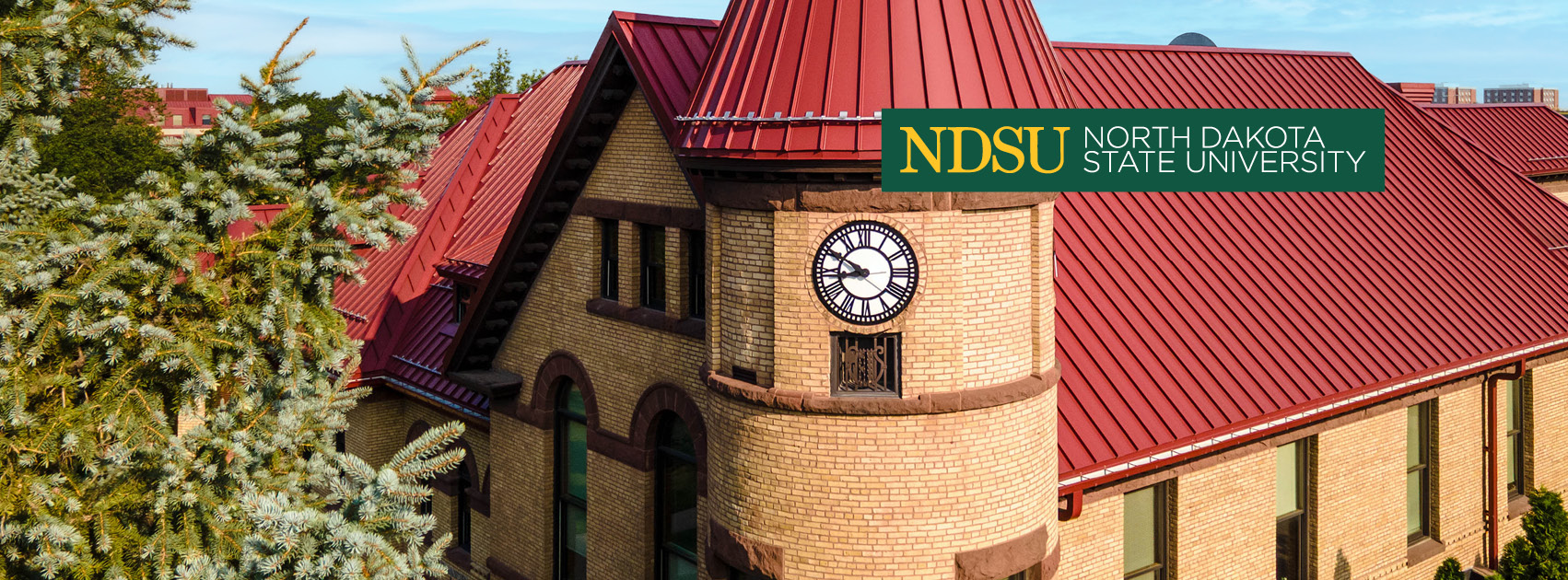
Download NDSU-branded graphics for your social media channels. Find profile images and cover photos sized for popular platforms to help keep your accounts consistent with the NDSU brand.
Facebook Cover Photos
To download, click on an image to enlarge, right-click and select 'Save picture as…' Then upload it to your Facebook page to update your cover photo.




Profile Graphics
These graphics are designed for NDSU colleges and departments to use on their social media channels. To download, right-click your chosen image and select 'Save picture as…' Upload it to your social media page as your new profile image.