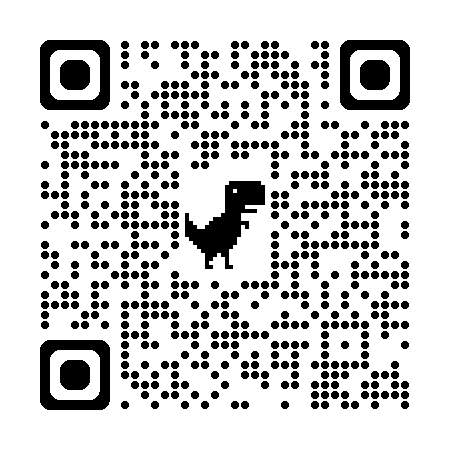
Micro Market Process
Paying With a Debit/Credit Card
- Enter the Micro Market at Barry Hall by using your Bison ID card.
- Select your items.
- Take your items to the self-checkout kiosk.
- Select the menu labeled "Barry Hall Micro Market."
- Scan each item at the kiosk.
- Click “Checkout.”
- Select "Credit /Debit Card" as your method of payment.
- Tap or swipe your debit or credit card.
- Complete checkout.
Paying With a Block Plan
- Enter the Micro Market at Barry Hall by using your Bison ID card.
- Select one BPE (Block Plan Entree) and two BPS (Block Plan Side) items. Look for the black and white circle icons to see if it's a BPE or BPS.
- Take your items to the self-checkout kiosk.
- Select the correct menu labeled "Barry Hall Micro Market – Block Plan."
- Scan each item at the kiosk.
- Click “Checkout.”
- Tap or swipe your Bison ID Card.
- Complete checkout.
The Micro Market Block Plan Icons
To make navigating what is considered a Block Plan Entree or Side, we are using these two distinct icons throughout the Micro Market.
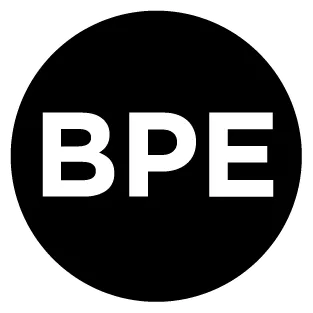
Block Plan Entree

Block Plan Side
Paying With Dining Dollars, Campus Cash, or Bison Bucks
- Enter the Micro Market at Barry Hall by using your Bison ID card.
- Select your items.
- Take your items to the self-checkout kiosk.
- Select the menu labeled "Barry Hall Micro Market."
- Scan each item at the kiosk.
- Click “Checkout.”
- Select "Campus Card" as your method of payment.
- Tap or swipe your Bison ID Card.
- Select if you would like to use your dining dollars, campus cash, or bison bucks.
- Complete checkout.