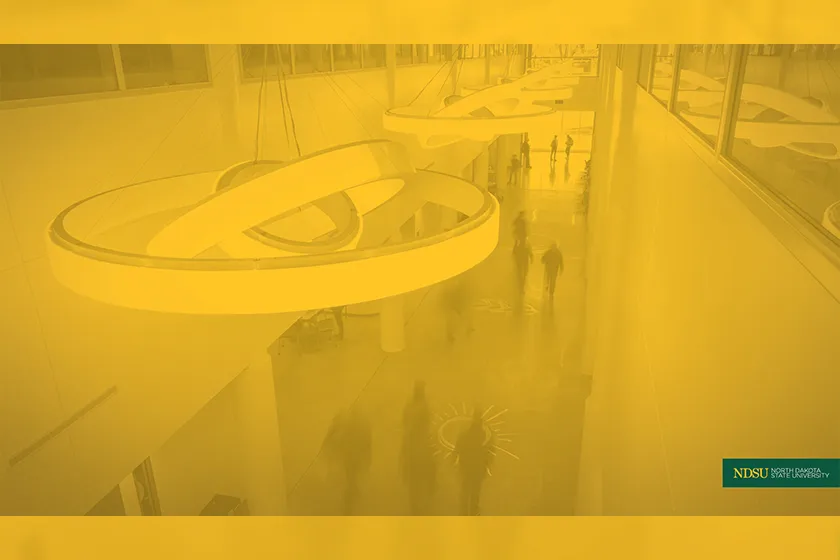
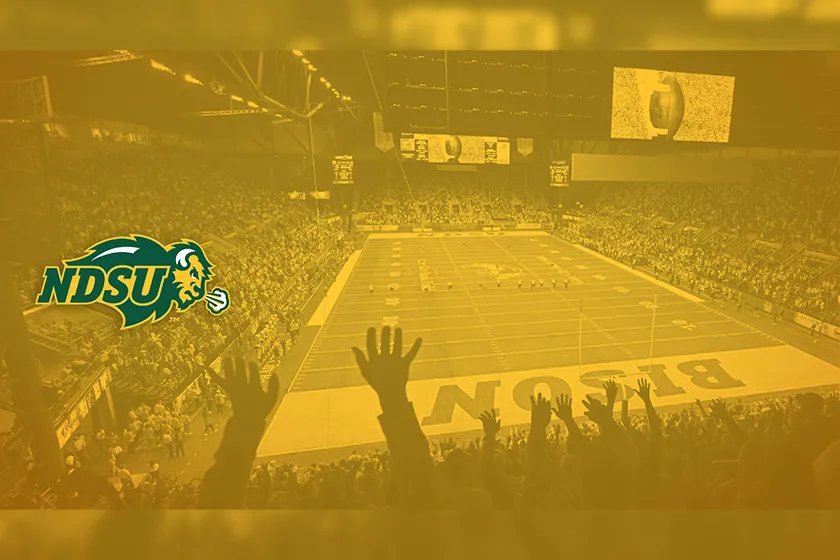
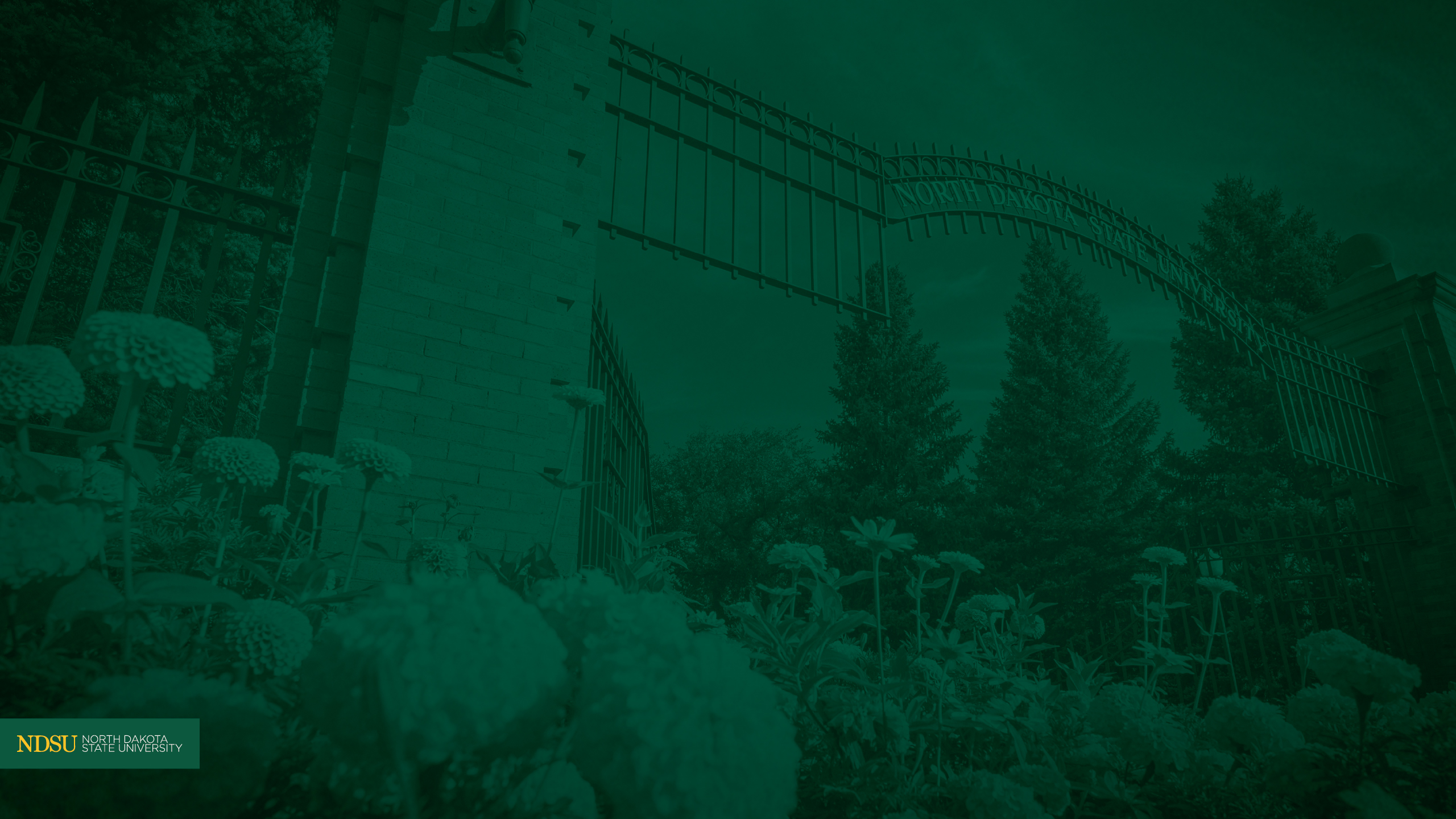
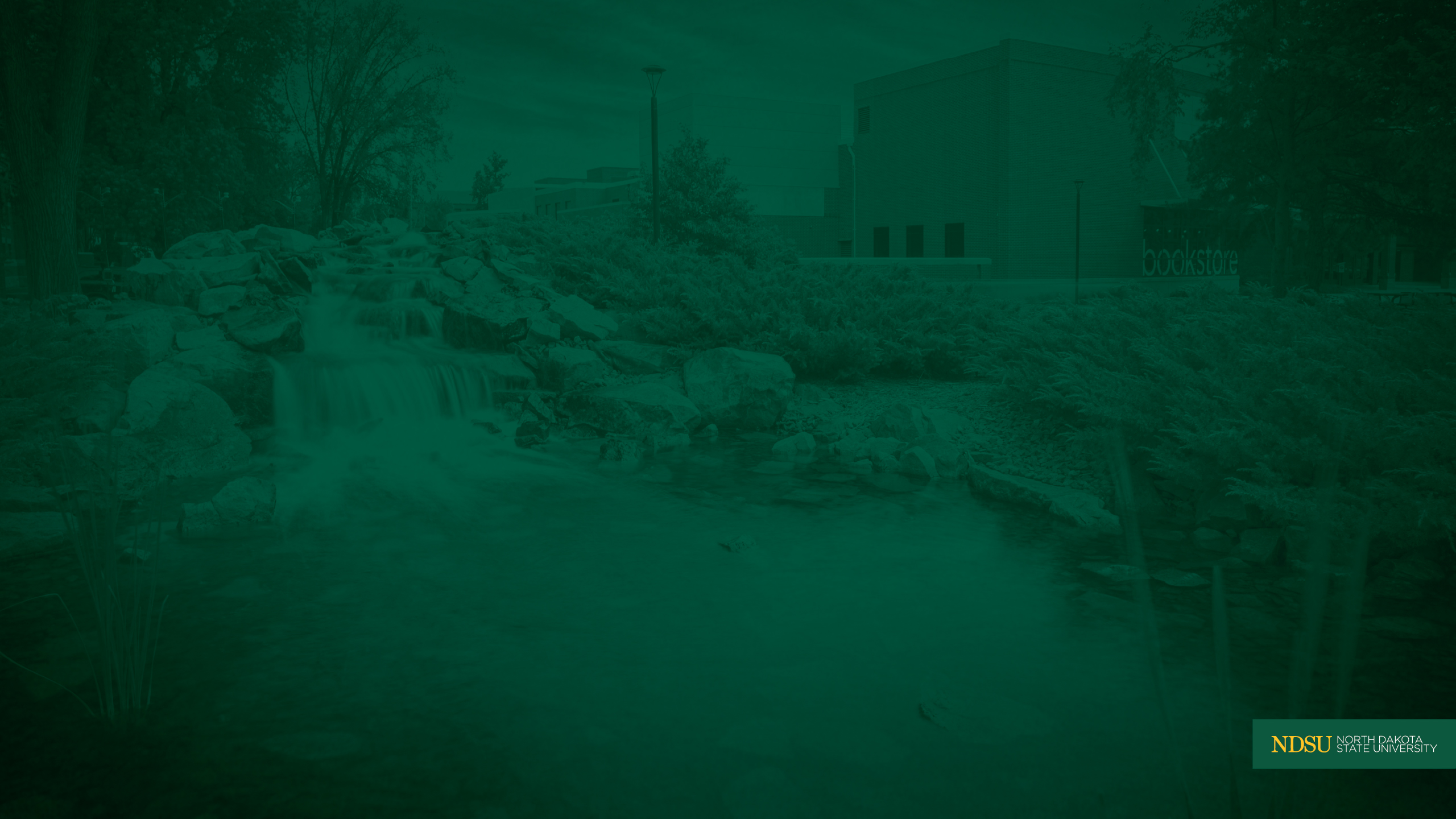
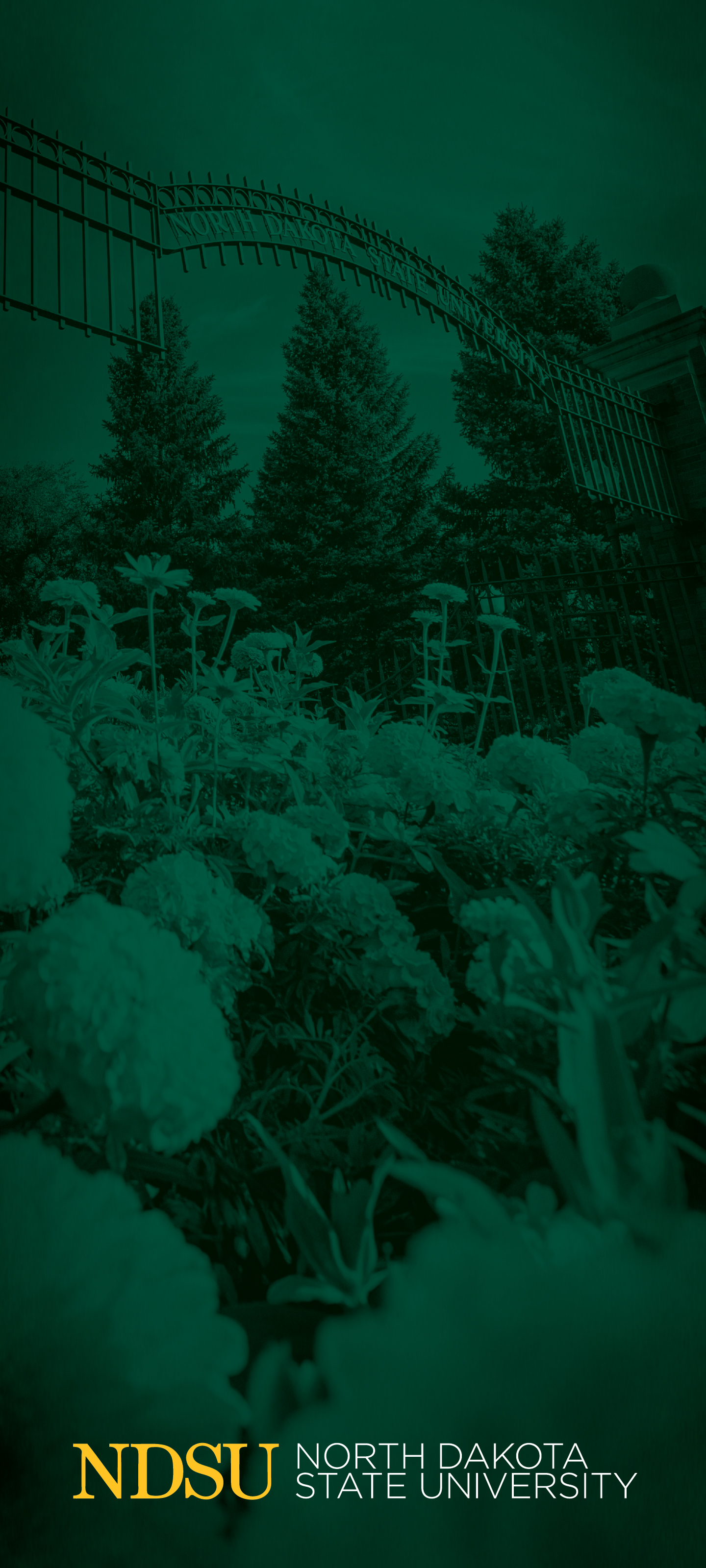
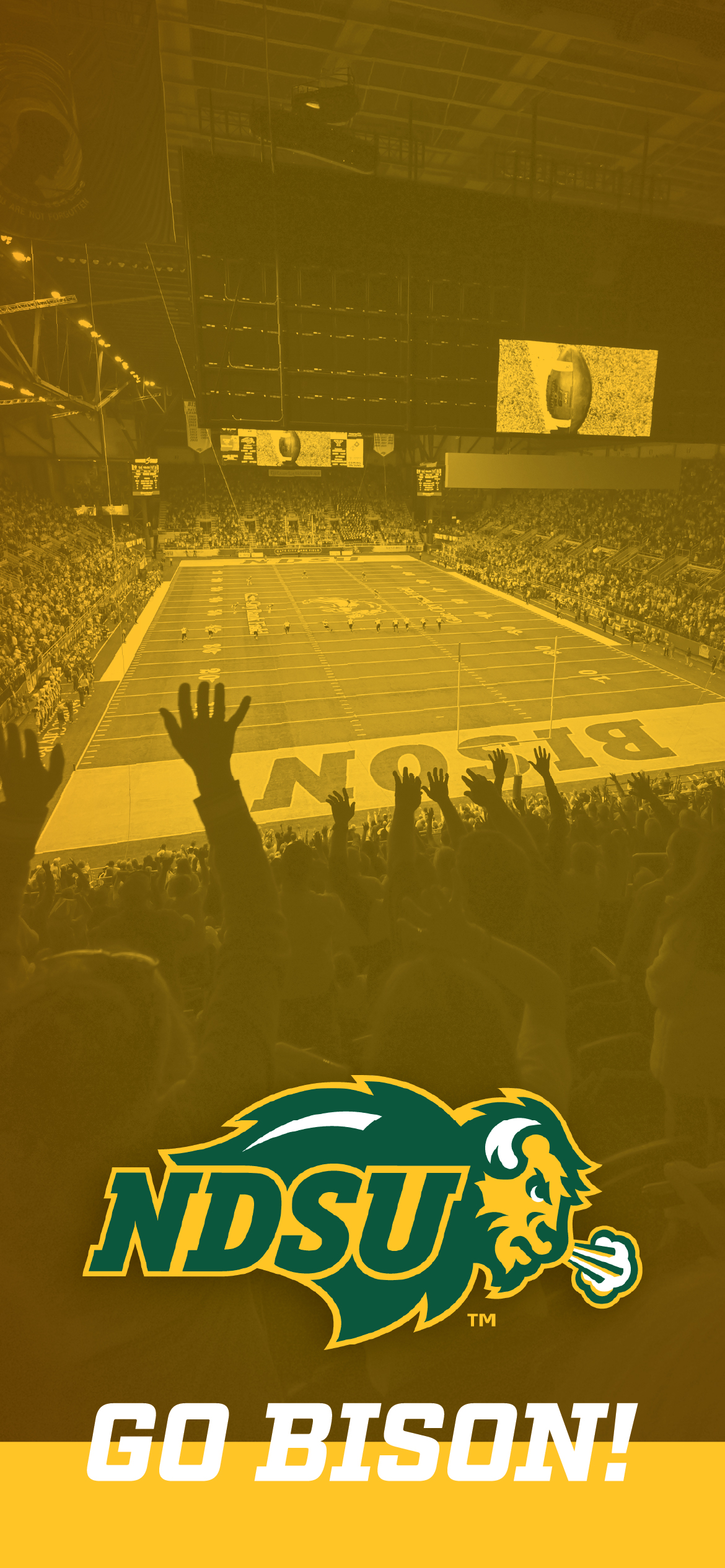
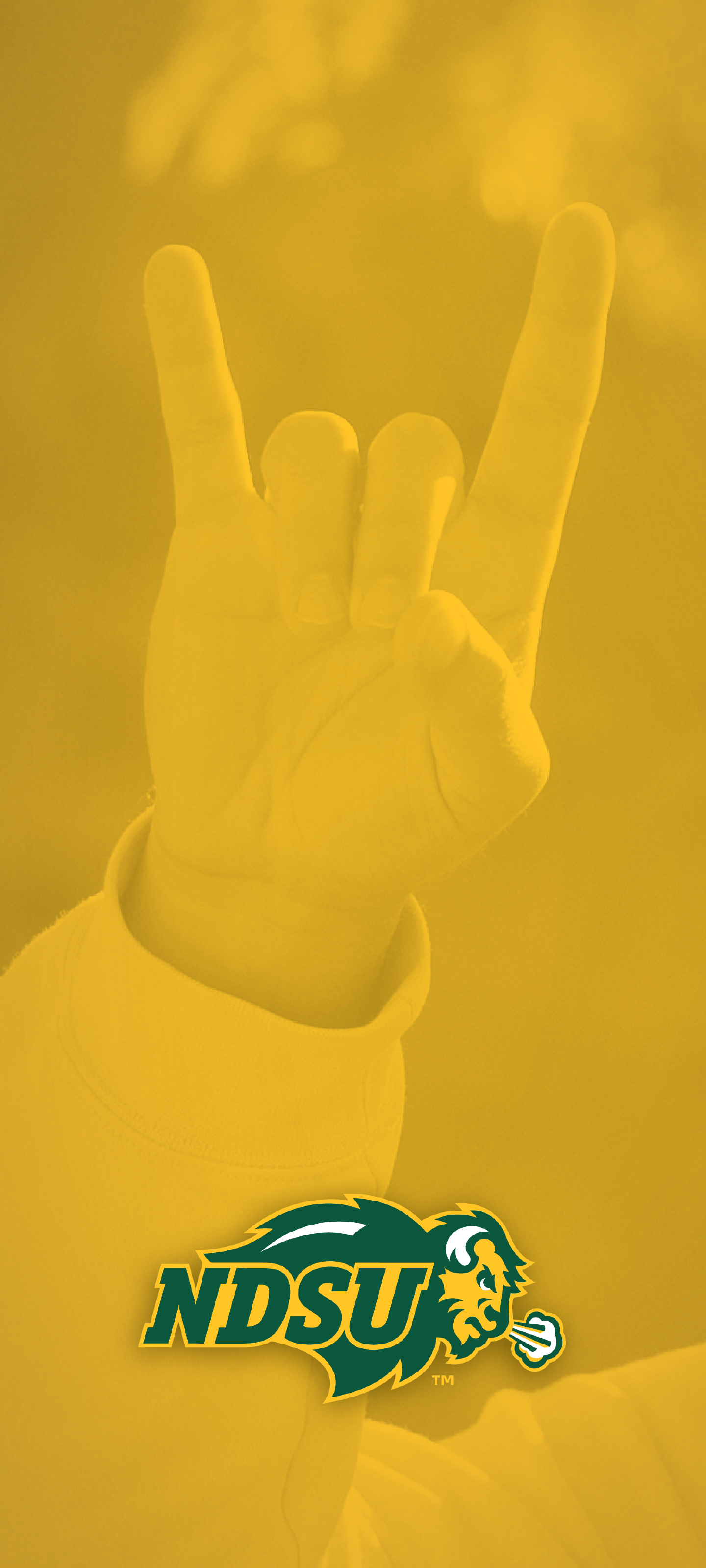
NDSU Wallpaper
Take NDSU with you. Download wallpapers for your desktop and phone and keep Bison pride on display.
These images are provided by NDSU and may be used without permission for noncommercial purposes.
How to download
- Select your device under the wallpaper to open the full-size image.
- On desktop: Right-click and choose “Save image as…”
- On mobile: Tap and hold the image, then choose “Save” or “Add to Photos.”
- Crop or adjust the image as needed to fit your screen.