Viewing Your Advisor
- Log in to Campus Connection
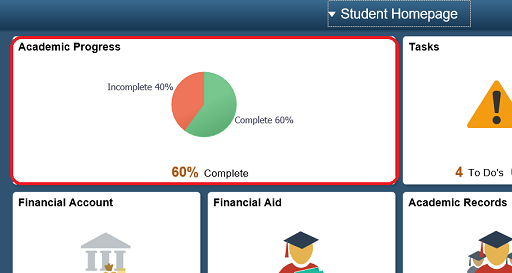
- On the home screen, click on the [Academic Progress] tile
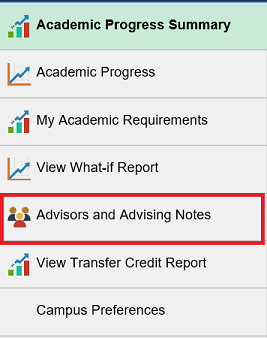
- In the left navigation menu, click "Advisors and Advising Notes"
PLEASE NOTE: in cases where "Department Assigns" appears instead of an advisor's name, contact the department office of your major to obtain your advisor's name and contact information.