NDSU eForm Instructions
A Campus Connection-based forms solution called "GT eForms" is available for many common student forms. These forms can be accessed through your student home screen in Campus Connection. Please follow these steps to access the forms:
- Log into Campus Connection and view your home screen
- Click the "NDSU eForms" tile on your home screen
- Click on the appropriate department to expand and view a listing of available forms
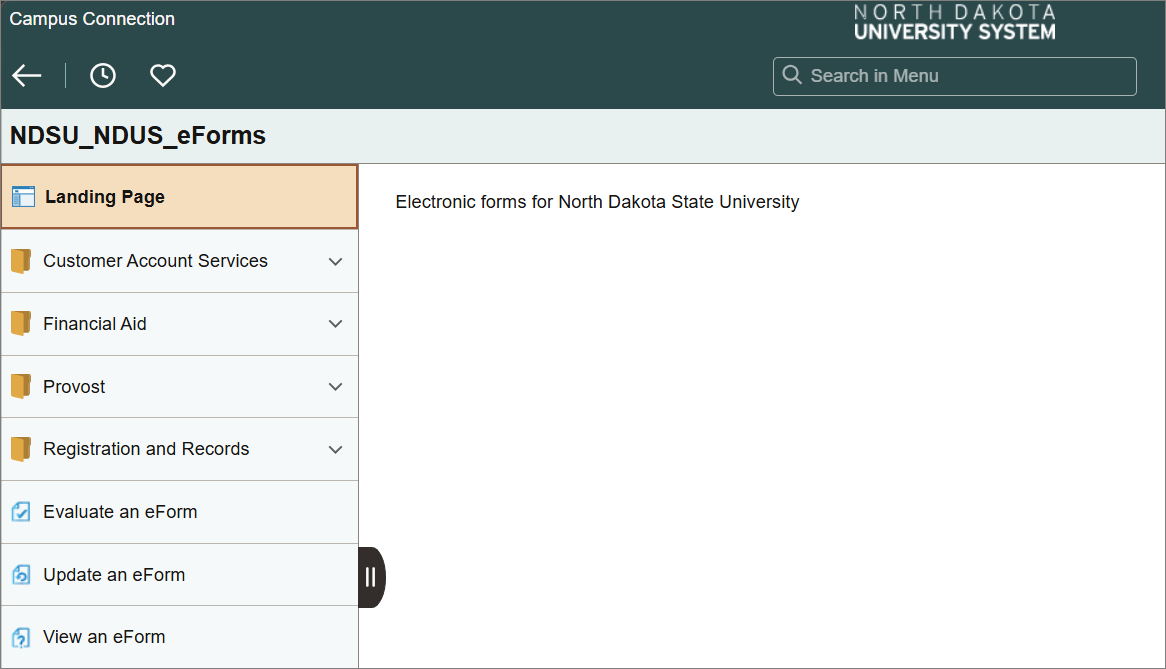
- Select the form you wish to submit and follow the provided instructions to complete the form
Additional Options:
- Evaluate an eForm
This option will only apply if the student is included in the processing workflow of a completed form. - Update an eForm
Click this option to view any in-progress form that was started and saved to be completed at a later time. - View an eForm
Click this option to review any completed form or to check on the processing status of a submitted form.