Name Changes, Pronouns, Gender Changes and Sexual Orientation
Campus Connection
Students will log into Campus Connection and click on the NDSU eForms tile to access the Legal Name Change Request Form. Click on Legal Name Change Request Form on the left side of the page. Students should monitor their NDSU email for any communication about the completion of the form.
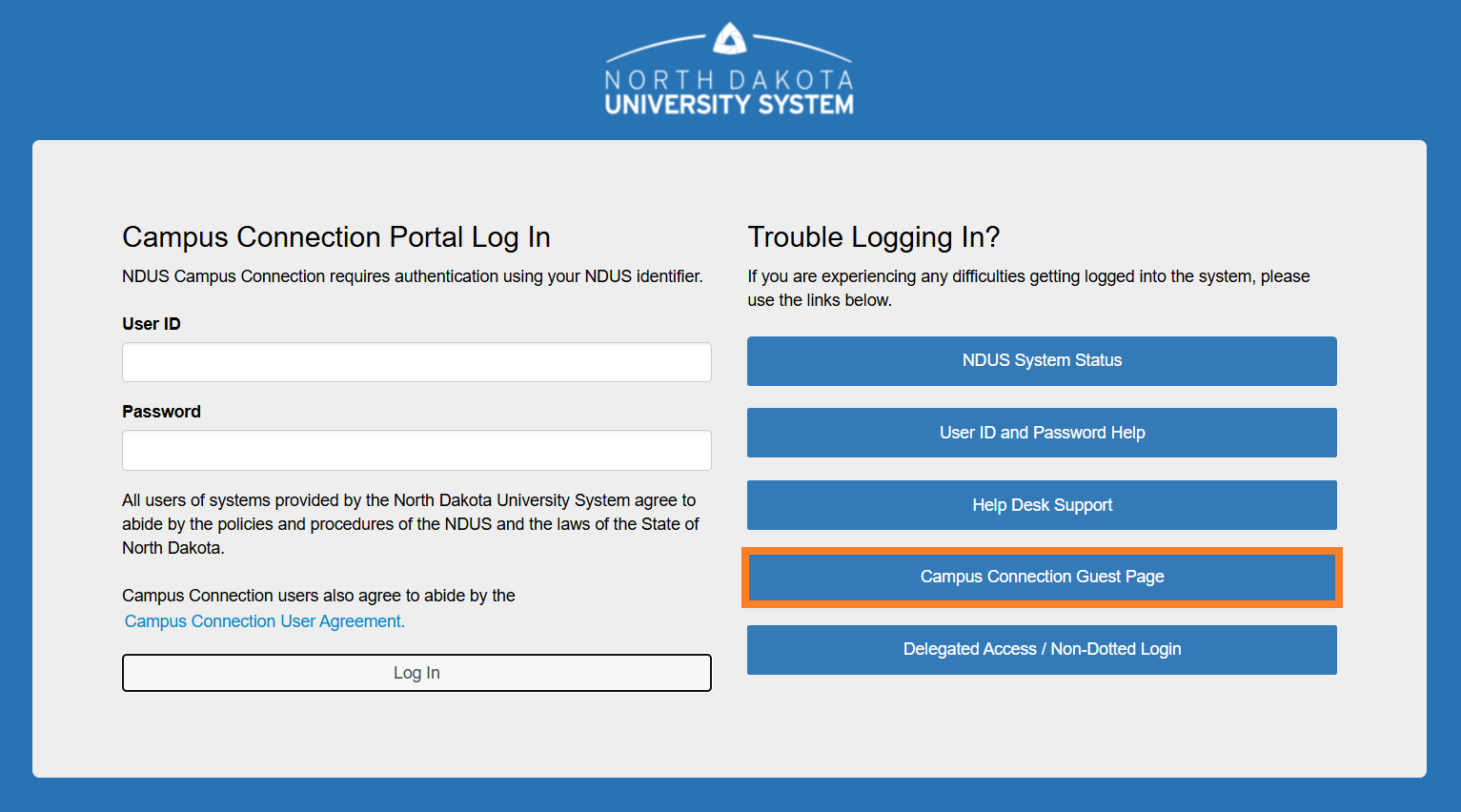
Previous students who do not have a Campus Connection login should use the guest homepage and click on 'Campus Solutions Guest Page'.
More instructions on how to change directory information for students, faculty, and staff can be found on the Change Your Directory Information page of the IT Knowledgebase.