Change Security Questions
- Log in to the ND University System Identity Manager (User ID = firstname.lastname format)
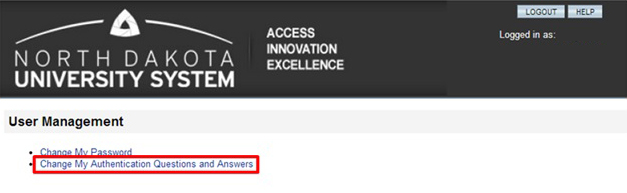
- Click: 'Change My Authentication Questions and Answers'
- Provide answers to at least 3 of the Authentication Questions and click [Save].
For password questions and help, contact the North Dakota University System (NDUS) Help Desk at 1-866-546-3358 or http://helpdesk.ndus.edu/